Animation Engine
Personal, 2026
A motion library and studio where every animation runs live inside exact iPhone, iPad and MacBook frames, gets tuned with real controls, shows its GPU cost, and can be turned into a launch film.
Overview
Animation Engine puts every animation from my projects in one place. Each one runs inside an accurate device frame, can be tuned live, and can be composed into a launch film.
Built with React, TypeScript, Three.js, GSAP and Motion.
The Challenge
My animations were scattered across separate Desktop projects. Previewing them in a desktop browser hid how they actually felt on a phone, I had no idea what each one cost the GPU, and making a launch film meant reaching for another tool.
What I Did, and What I Didn’t
What I did
- Designed and built the engine: the library, device stage, inspector, Studio and command palette.
- Made each animation run in a real iframe at the device's own viewport, so CSS breakpoints behave like they would on the device.
- Rebuilt the Swiggy home screen and split it into components you can test on their own.
- Added GPU and main-thread cost measurement for every animation.
What I didn't
- Write every animation from scratch. Most come from my earlier projects, the Swiggy screen started as a Figma Make export, and one is VengeanceUI's, as published.
- Test on real hardware. The frames match viewport, pixel ratio and breakpoints in the browser, which is close, but not the same as a real device.
What Motion Needs to Be Judged Fairly
Before building, I listed what a desktop browser preview gets wrong about mobile motion.
The wrong size.
- A desktop window never hits the phone's breakpoints.
The wrong pixel ratio.
- Canvas cost changes at 3x, so performance looked better than it was.
No reduced-motion check.
- Easy to forget when the OS setting is off.
Tuning meant editing code.
- Every timing tweak was a save and reload.
Design Principles
Four rules for a tool that makes motion easier to judge.
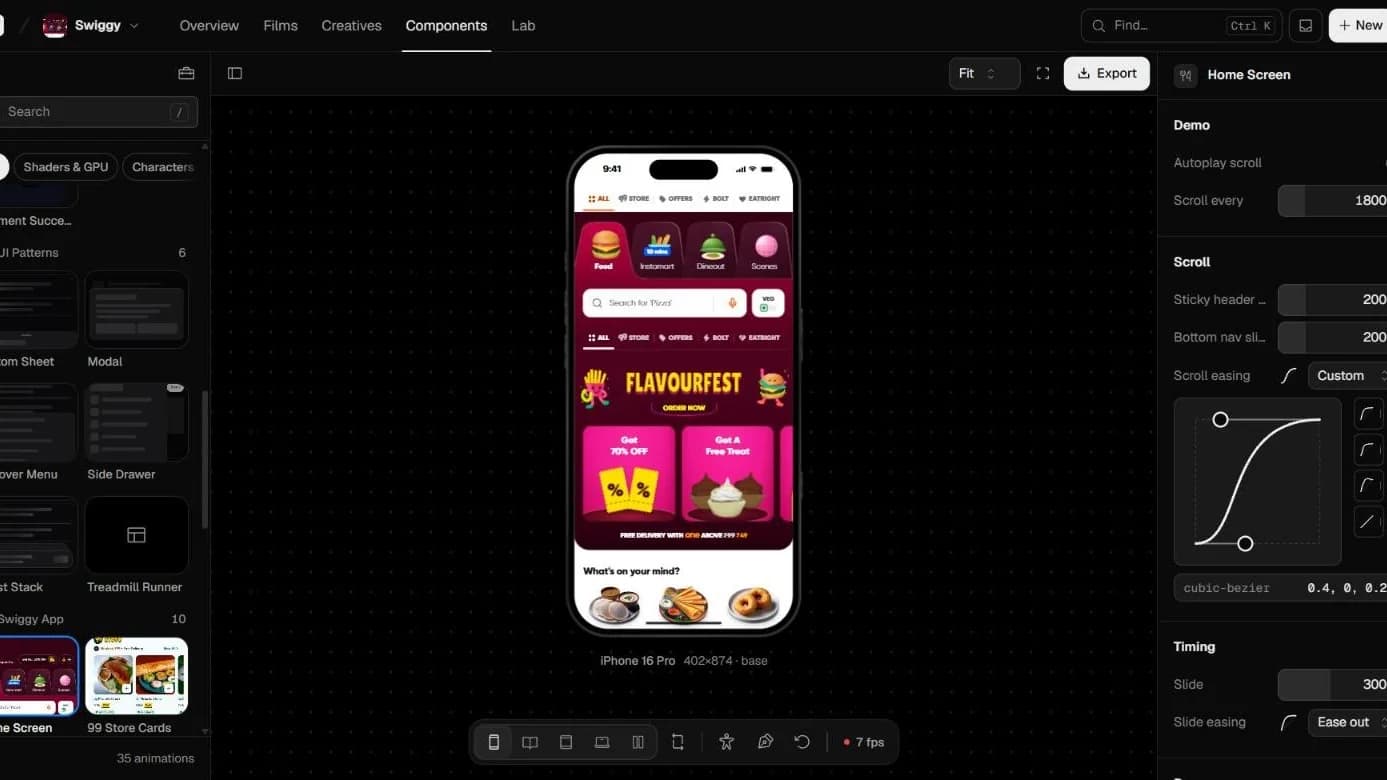
Every animation plays inside the device it's meant for, at its true size, and Compare shows them all at relative scale.
Timing, easing and behavior are live controls in the inspector, including a cubic-bezier editor.
Every animation shows what it costs the GPU and main thread on each device, so smooth isn't a guess.
The same animations become scenes in a launch film, without leaving the tool.
The Tool
Screens from the live demo.
Problem
Tuning motion in a desktop browser hid how it felt on a phone.
Solution
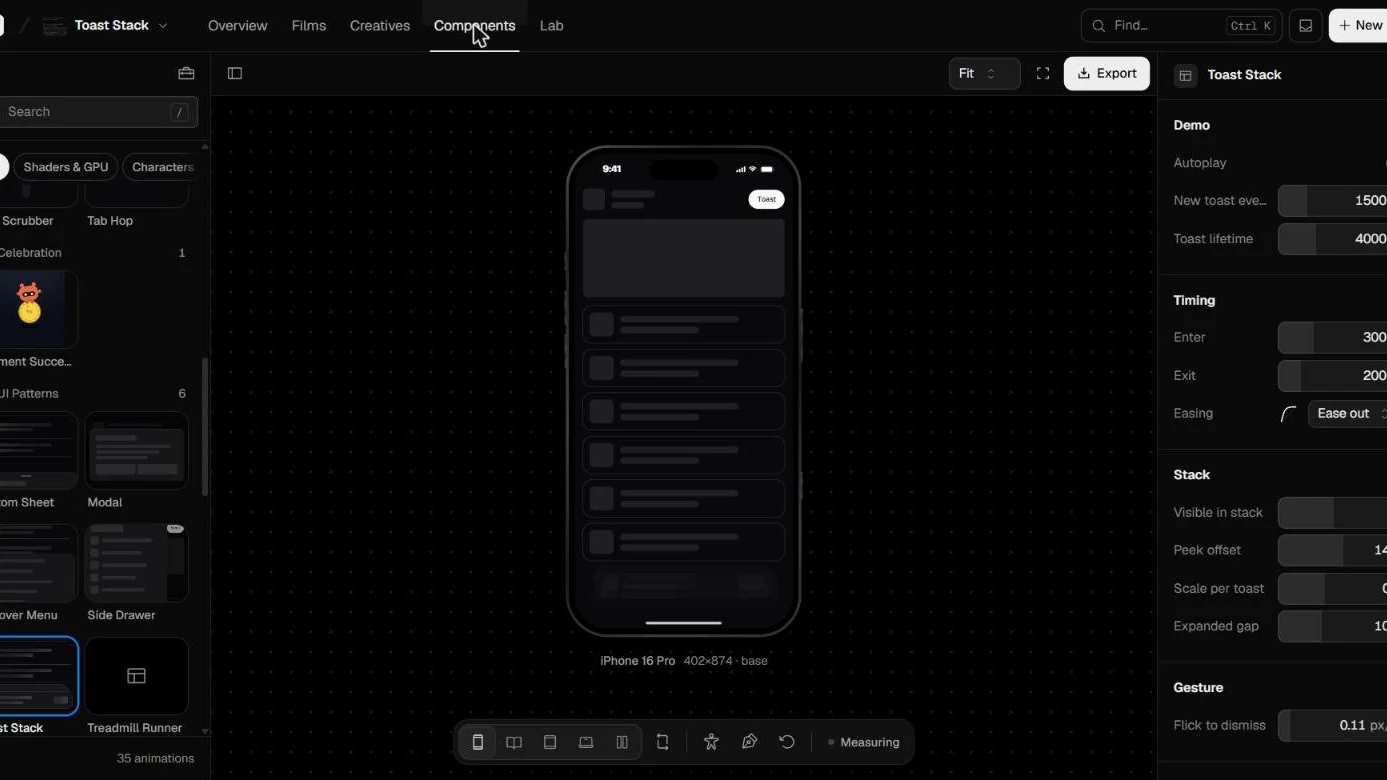
Pick any animation and it runs in an iPhone 16 Pro frame at 402 by 874, with its timing and easing exposed as live controls beside it.
Why it works
You feel the motion at the size people will actually see it.
Problem
A layout that works on a phone can break on a tablet or a laptop.
Solution
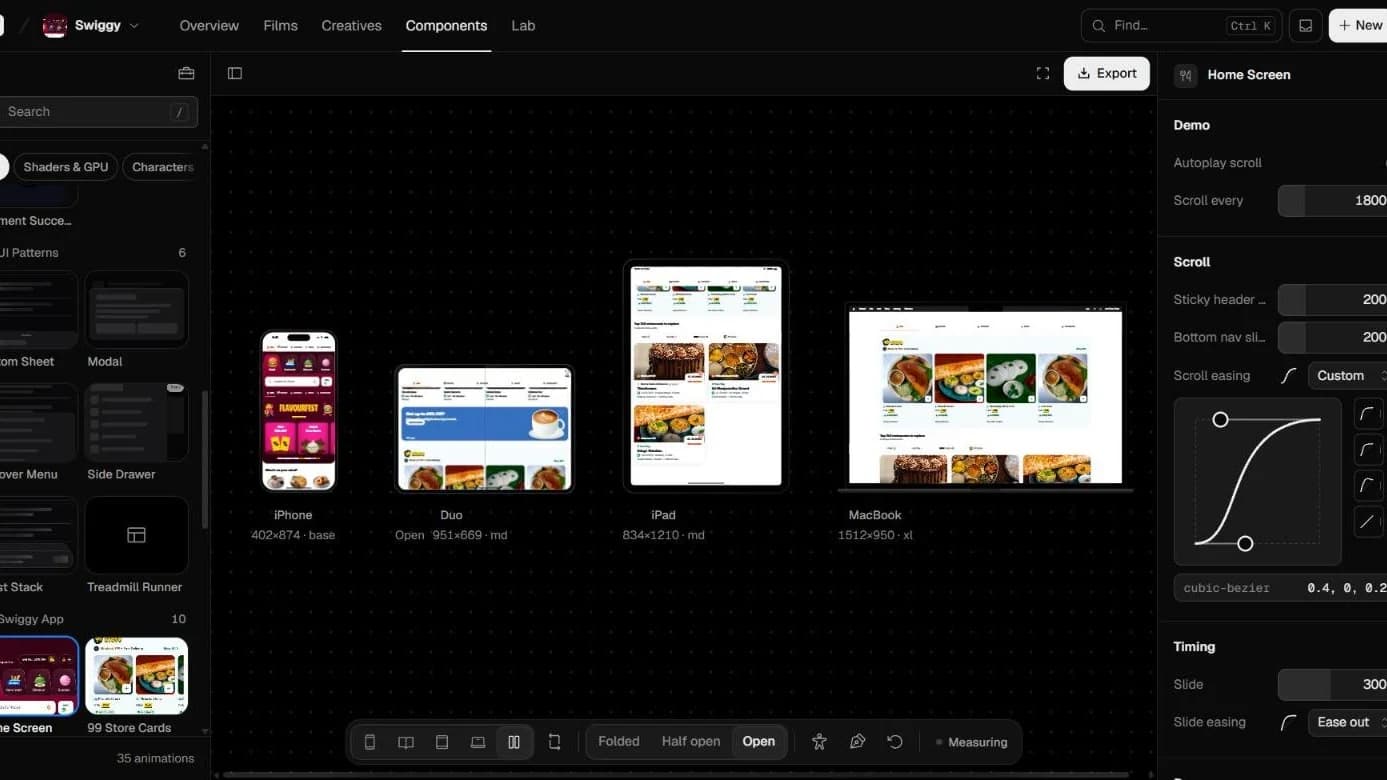
Compare places iPhone, Duo, iPad and MacBook side by side at true relative size, each showing which breakpoint is active.
Why it works
Responsive problems show up in one glance instead of four window resizes.
Problem
Turning an animation into a launch video meant exporting it into another tool.
Solution
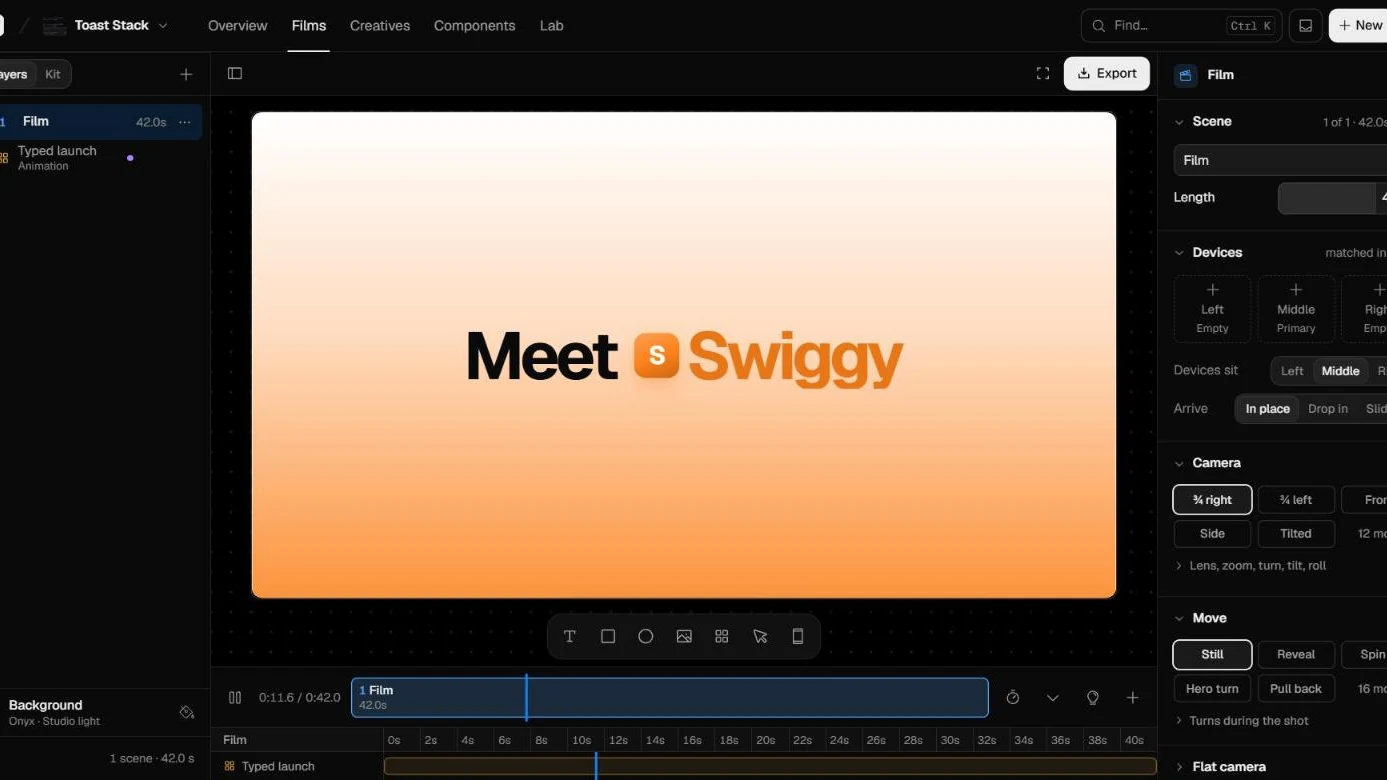
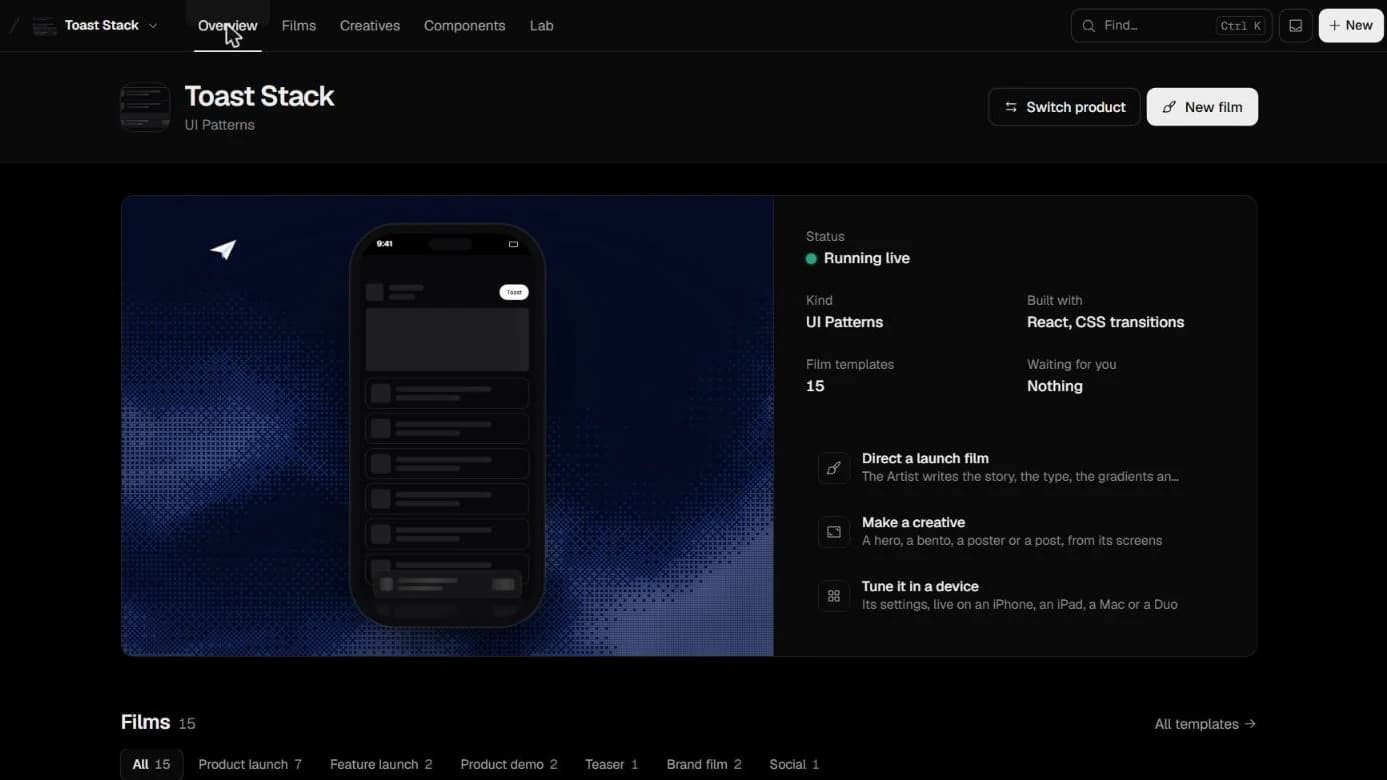
The Studio composes scenes from layers, with devices, camera moves and a timeline, and exports the film.
Impact
One tool from tuning a micro-interaction to shipping the film that shows it off.
Outcomes
The engine is live, and it's where I build and test motion now.
Animations in the library
35
Device frames
4
Swiggy components to test alone
10
Film templates
15
What I Learned
Motion only feels right when you judge it at the real size, on the real pixel ratio, with its real cost in view. Building the engine made me a lot more honest about my own animations.